
Is CAI Production Ready? Deep Dive & Setup Guide
Technical analysis of CAI (Cybersecurity AI). Architecture review, deployment guide, and production-readiness verdict. 6.5k stars.
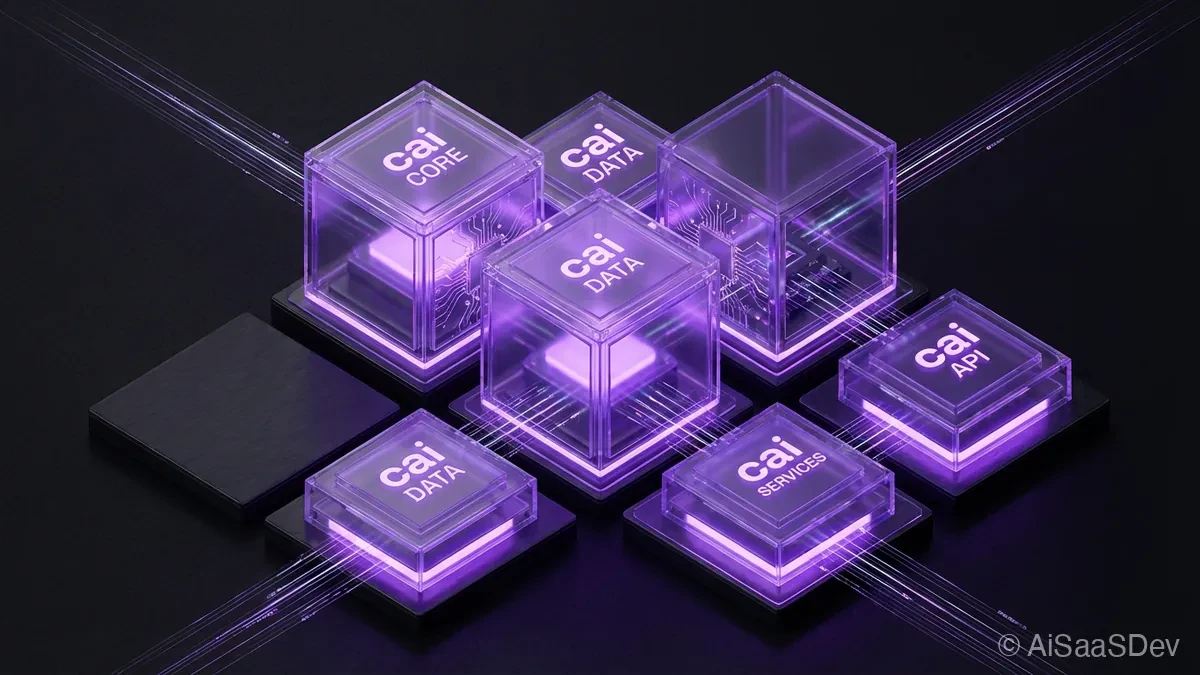
CAI (Cybersecurity AI) is trending with 6.5k stars. It is an open-source framework designed to automate offensive and defensive security tasks using AI agents. Unlike generic agent frameworks, CAI is purpose-built for the security domain, integrating directly with standard penetration testing tools.
Here is the architectural breakdown.
🛠️ What is it?
CAI is a modular AI framework that brings the “Agency” concept to cybersecurity. It allows developers to spin up specialized agents-like Red Teamers, Blue Teamers, or Triage bots-that can autonomously plan and execute security assessments.
The architecture is built on three pillars:
- The Brain (LLM Abstraction): It leverages
LiteLLMto support over 300+ models (OpenAI, Anthropic, local models via Ollama), allowing operators to switch between models depending on the sensitivity of the data. - The Body (Containerized Environment): The core runs inside a Docker container based on Kali Linux. This gives the agents native access to industry-standard tools like
Nmap,Metasploit, andShodanwithout complex host configuration. - The Hands (Tooling & MCP): It implements the Model Context Protocol (MCP), enabling agents to interact with the file system, execute code, and manage command-and-control (C2) operations securely.
The system uses a “Swarm-like” pattern where a Manager agent delegates tasks to specialized sub-agents (e.g., a WebPentester agent or a NetworkTrafficAnalyzer agent), maintaining context via mem0 memory integration.
🚀 Quick Start
The recommended way to run CAI is via its Dev Container or Docker to ensure all Kali Linux dependencies are present.
1. Clone and Setup
git clone https://github.com/aliasrobotics/cai
cd cai

# It is highly recommended to use the provided Docker environment
# to ensure access to tools like Nmap and Metasploit.
docker compose -f .devcontainer/docker-compose.yml up -d
docker exec -it cai_devenv_1 /bin/bash
2. Run the CLI Once inside the container, you can use the interactive REPL (Read-Eval-Print Loop) to command agents directly.
# Start the interactive shell
cai-repl

# Inside the shell, you can issue commands like:
# > /load agent red_teamer
# > /run "Perform a reconnaissance scan on 192.168.1.5"
3. Python Implementation You can also import agents programmatically to build custom workflows.
from cai.agents.factory import AgentFactory

# Initialize a Red Team agent
red_teamer = AgentFactory.create_agent("red_teamer")

# Execute a task
result = red_teamer.run(
    "Analyze the open ports on the target IP and suggest potential CVEs."
)

print(result)
⚖️ The Verdict
CAI represents a significant step forward in automated security operations, moving beyond simple “chatbots” to actual tool-wielding agents.
- Strengths: The integration with Kali Linux is a game-changer. It doesn’t just “hallucinate” commands; it actually has the environment to run them. The separation of duties (Red vs. Blue agents) mimics real-world security operations centers (SOCs).
- Weaknesses: As with any autonomous offensive tool, the risk of unintended damage is non-zero. The setup is heavy (requires a full Kali Docker container) and assumes a high level of security knowledge to operate safely.
- Production Readiness: Research / Beta. While the tooling is robust, autonomous offensive agents should strictly be used in controlled, sandboxed environments (like CTFs or authorized penetration tests). It is not yet ready for unsupervised production deployment in enterprise networks.
Rating: ⭐⭐⭐⭐ (4.5/5 for Researchers & Pentesters)
Recommended Reads

Is YuPi AI Guide Production Ready? Deep Dive & Setup Guide
Technical analysis of YuPi AI Guide. Architecture review, deployment guide, and production-readiness verdict. 2.7k stars.

Is Deepnote Production Ready? Deep Dive & Setup Guide
Technical analysis of Deepnote's open-source ecosystem. Architecture review of the reactivity engine, file format, and conversion tools. 2.5k stars.
Is Reasoning From Scratch Production Ready? Deep Dive & Setup Guide
Technical analysis of Reasoning From Scratch. Architecture review, deployment guide, and production-readiness verdict. 2.4k stars.